What Can You Photograph with Each Lens?
Explore photos by lens.
Published
Photos for the 24–70/2.8 lens
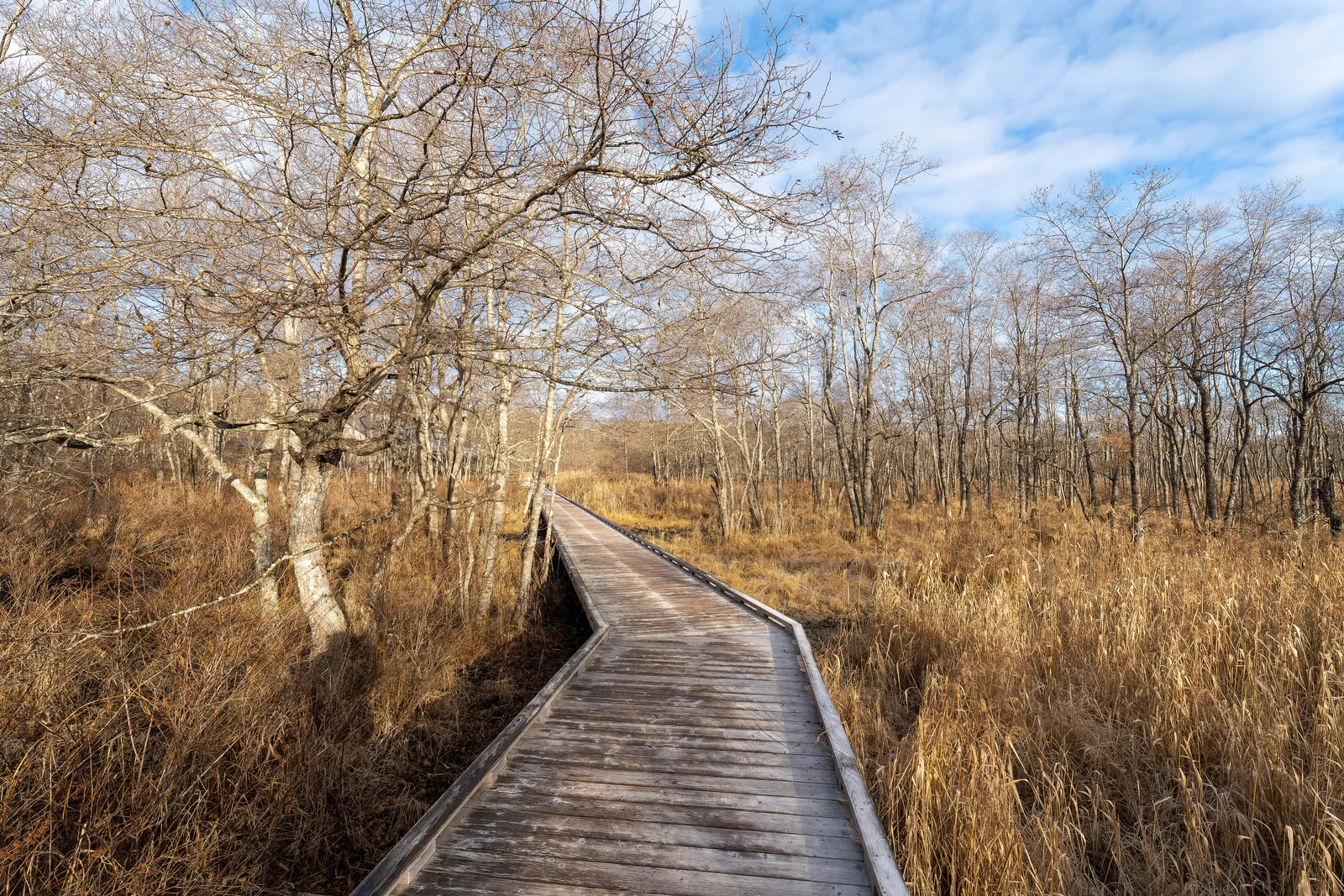
16 mm · f/8
7IV05908
Photo details & source
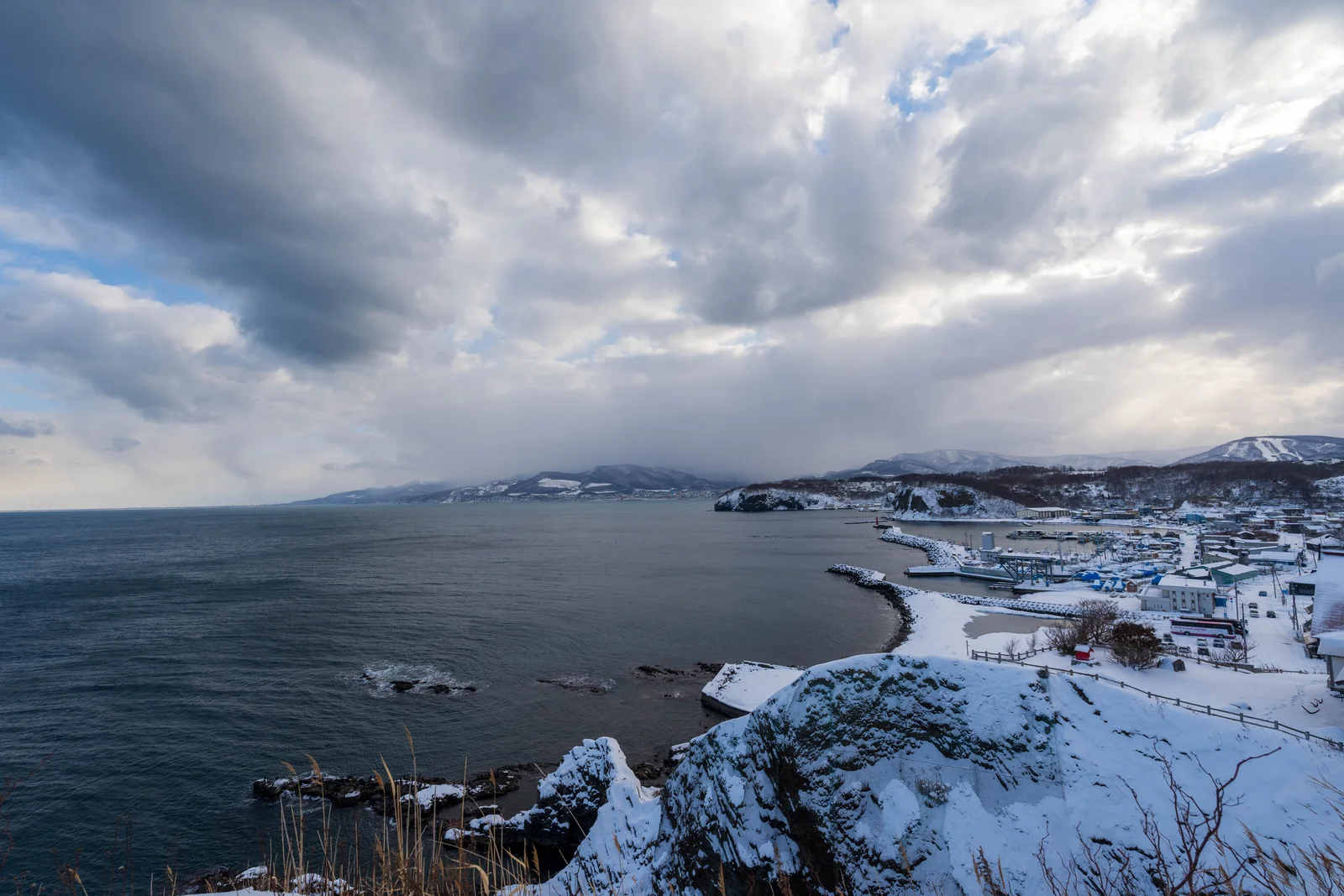
16 mm · f/8
7IV06926
Photo details & source
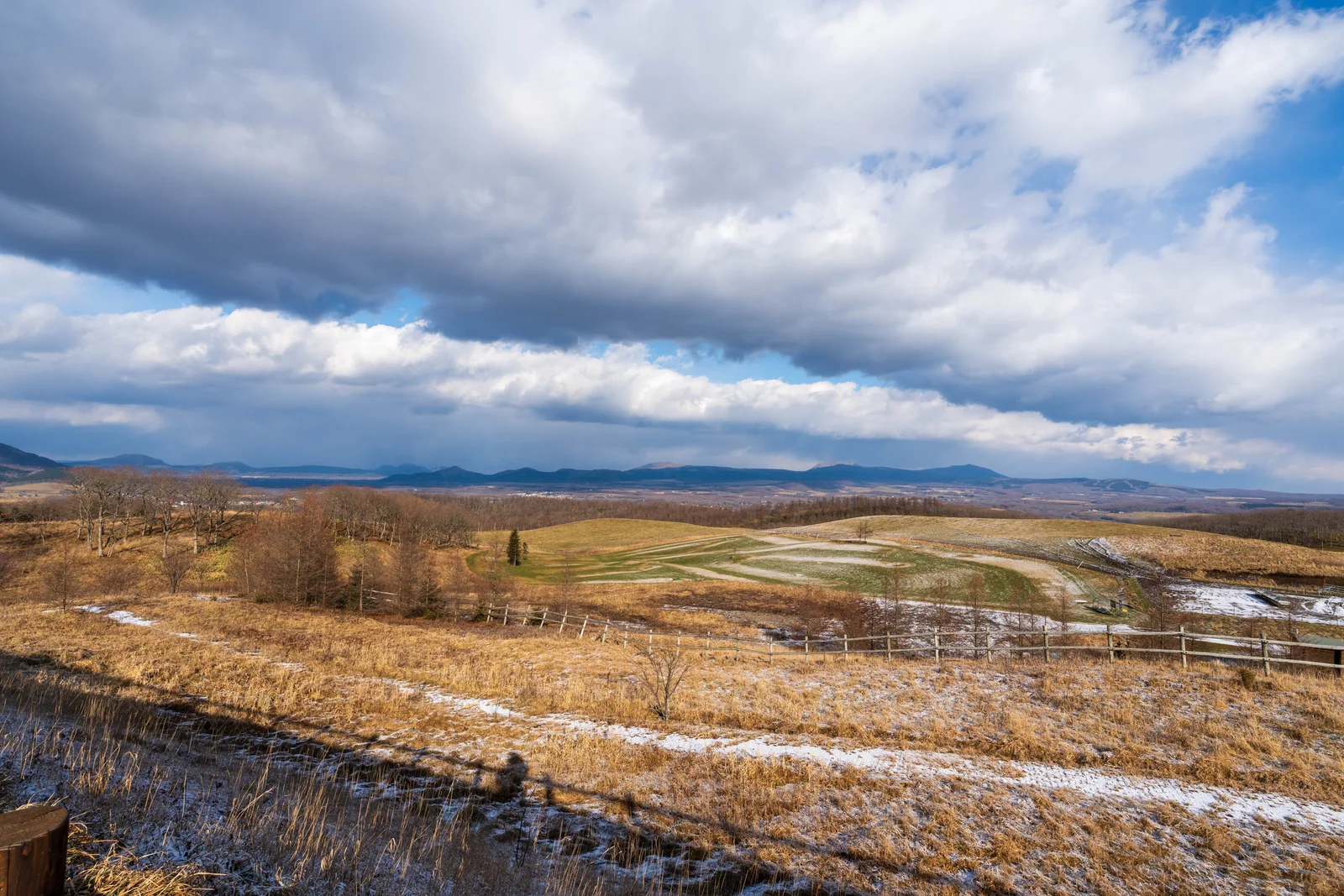
16 mm · f/8
7IV09495
Photo details & source
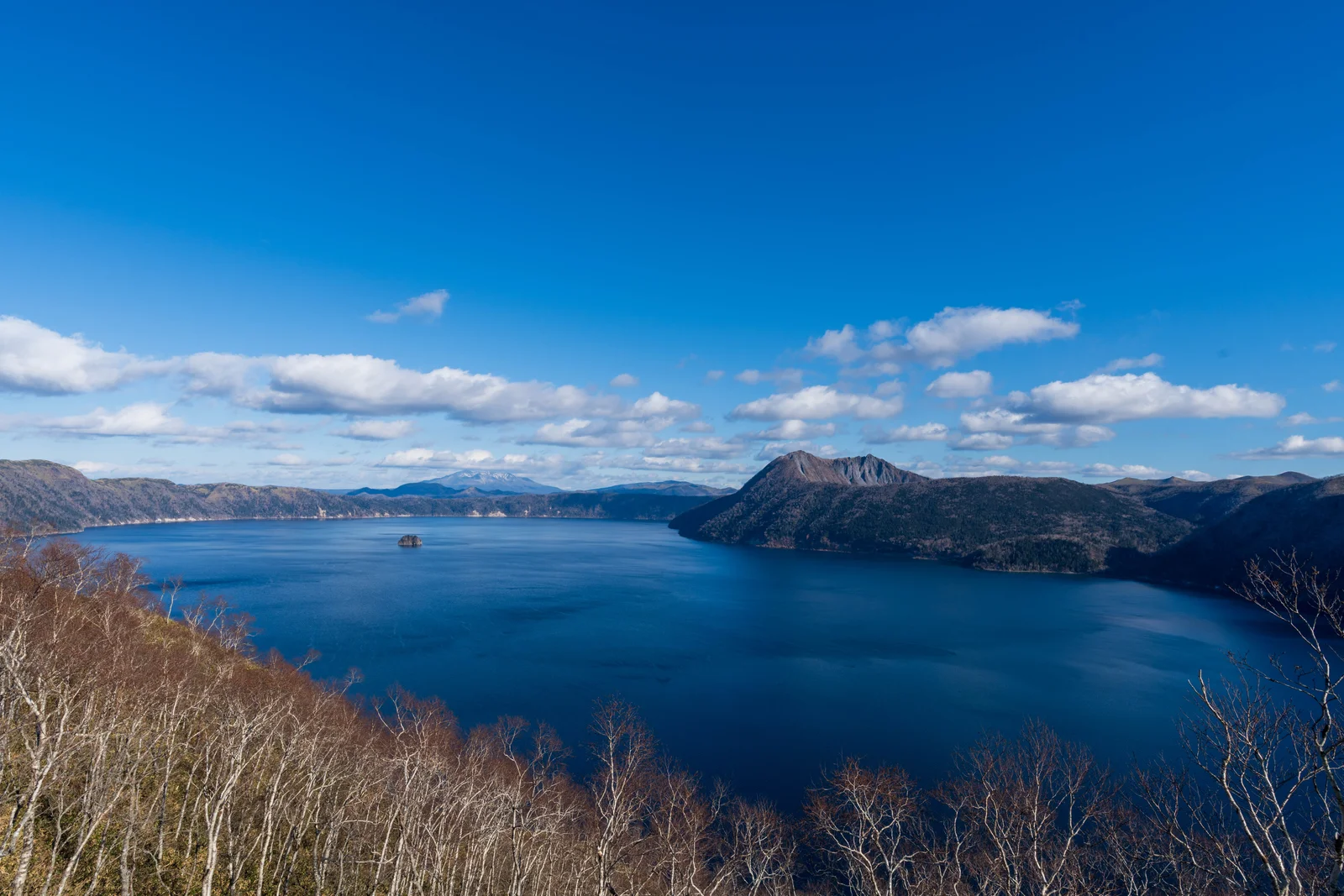
19 mm · f/11
7IV09314
Photo details & source
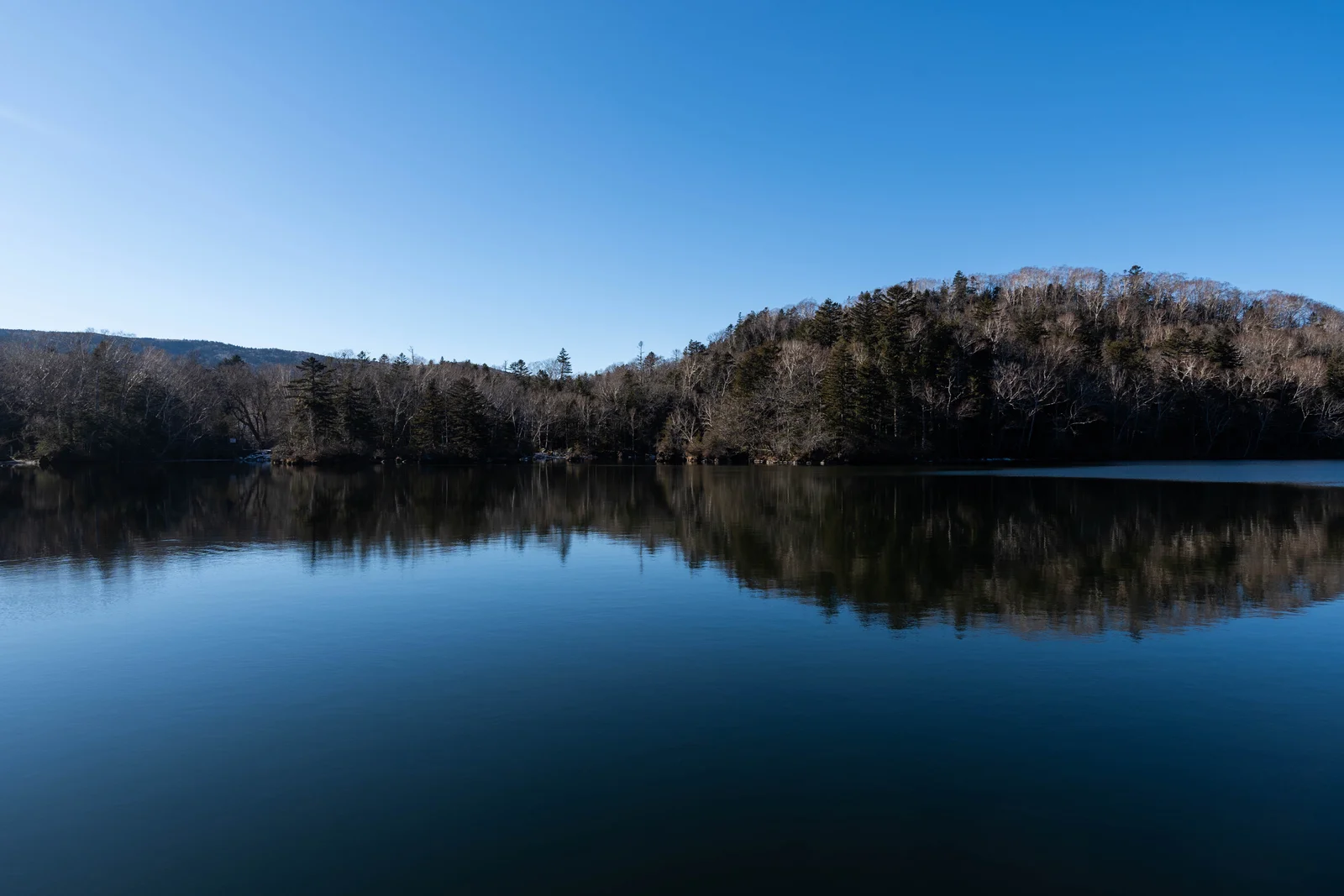
20 mm · f/7.1
7IV09740
Photo details & source
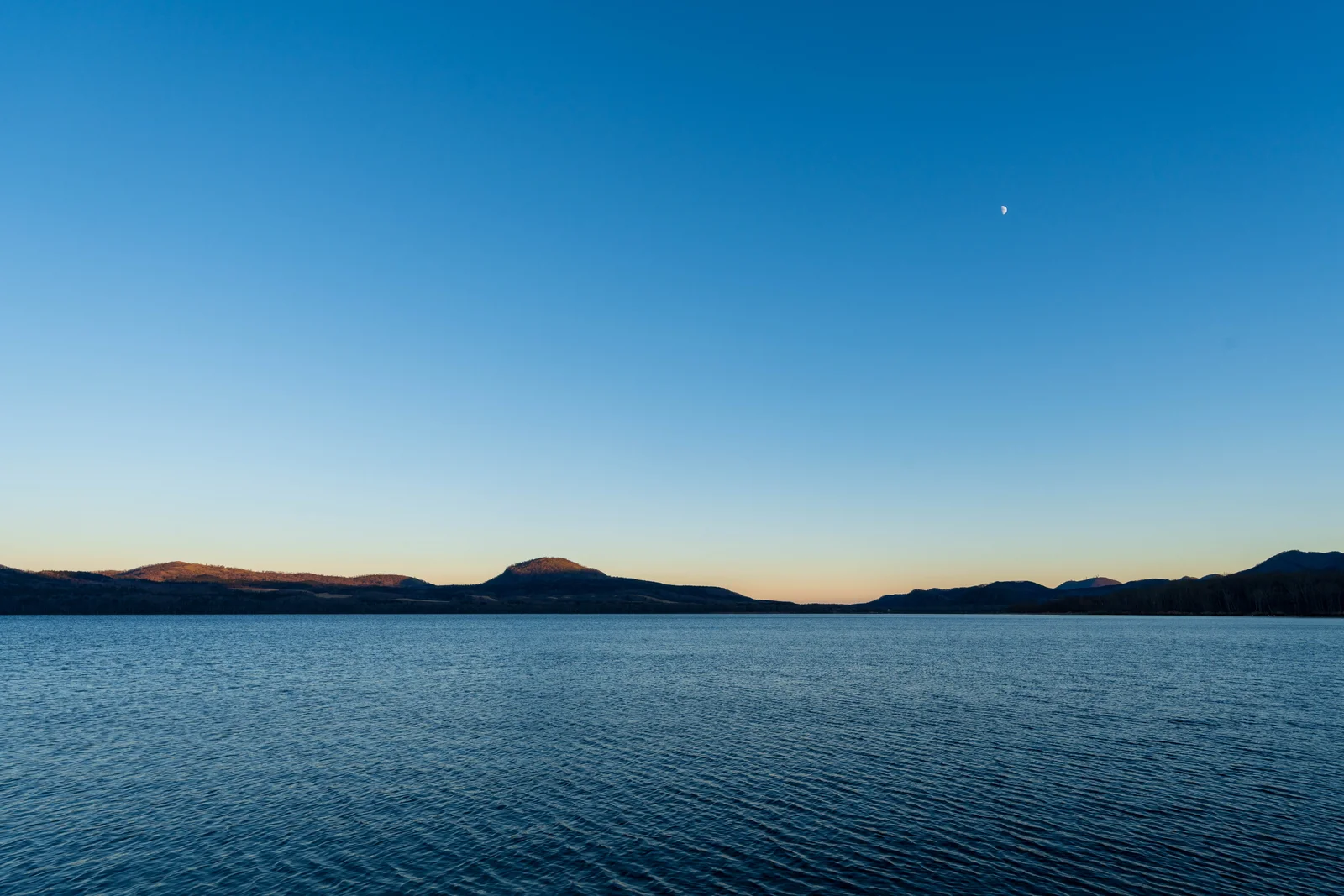
21 mm · f/8
7IV08938
Photo details & source
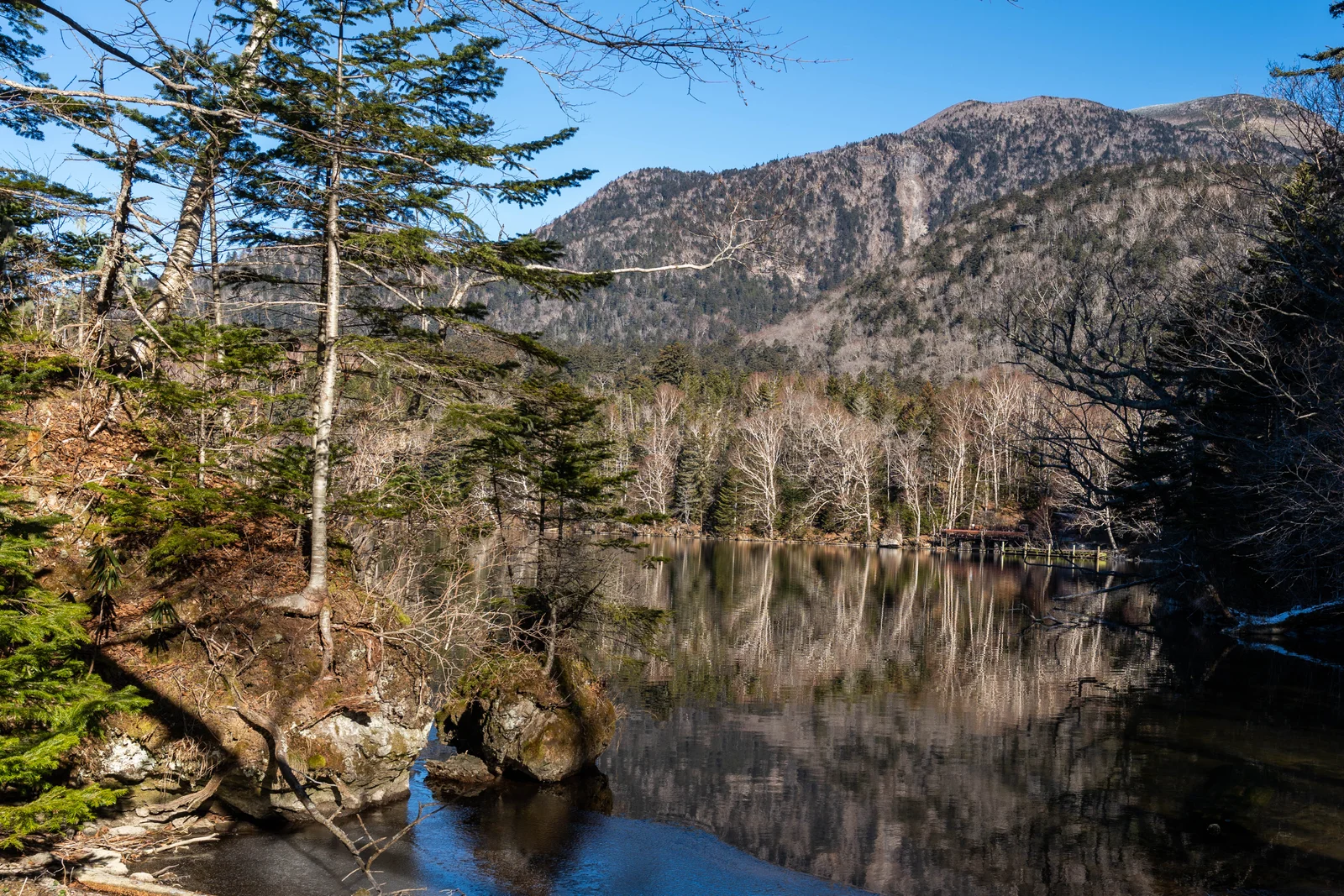
28 mm · f/7.1
7IV09731
Photo details & source
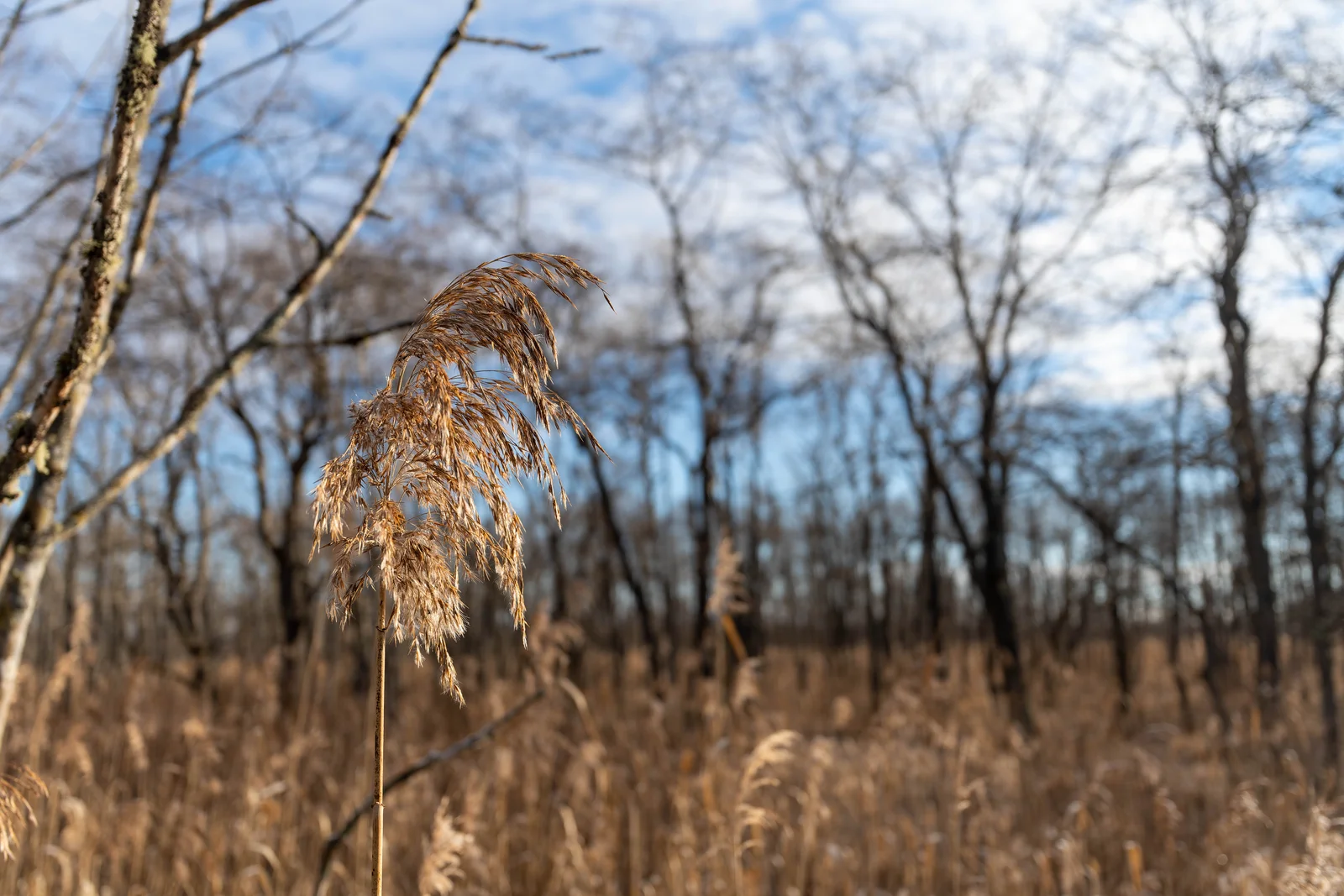
35 mm · f/4
7IV05898
Photo details & source
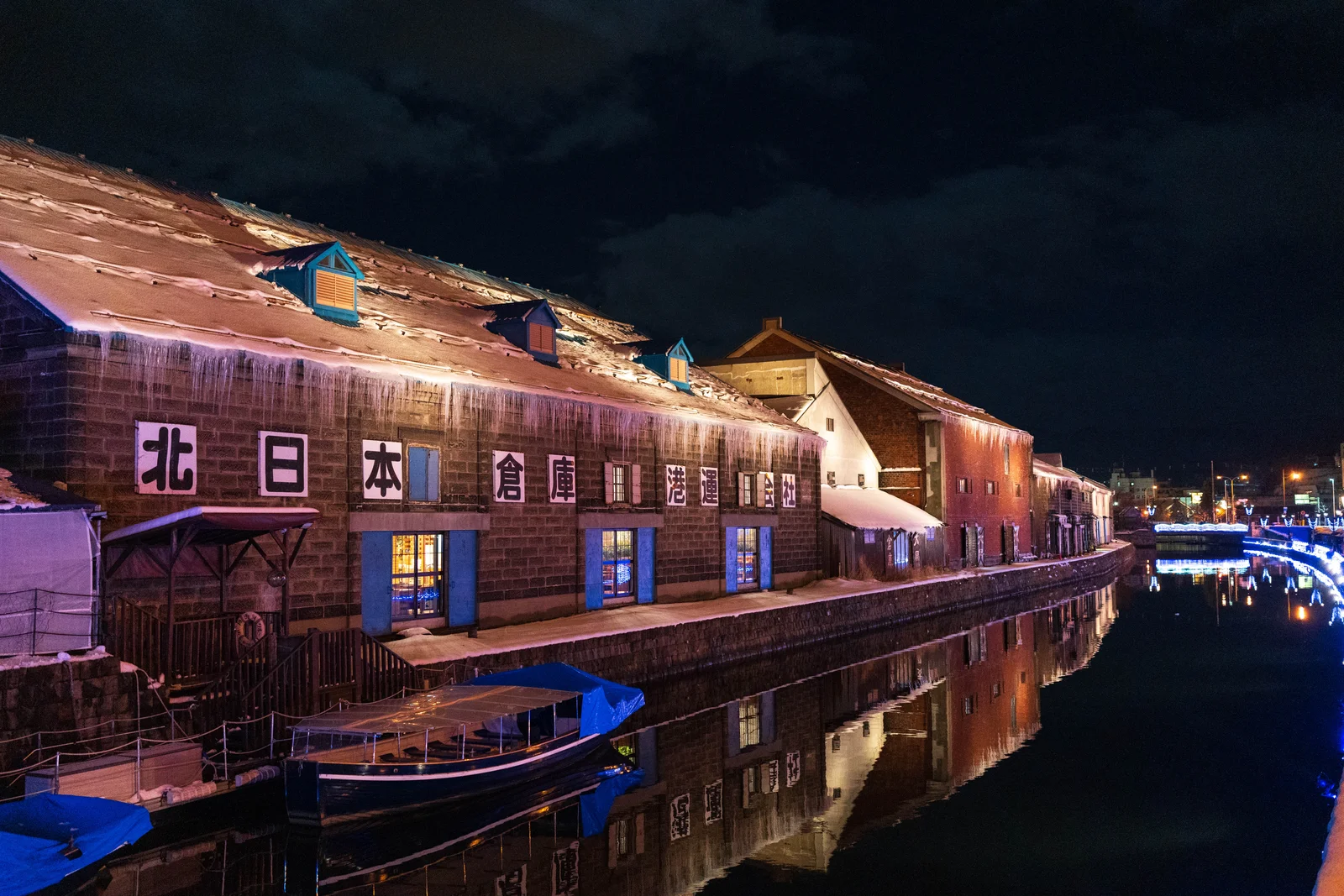
35 mm · f/1.4
7IV06347
Photo details & source
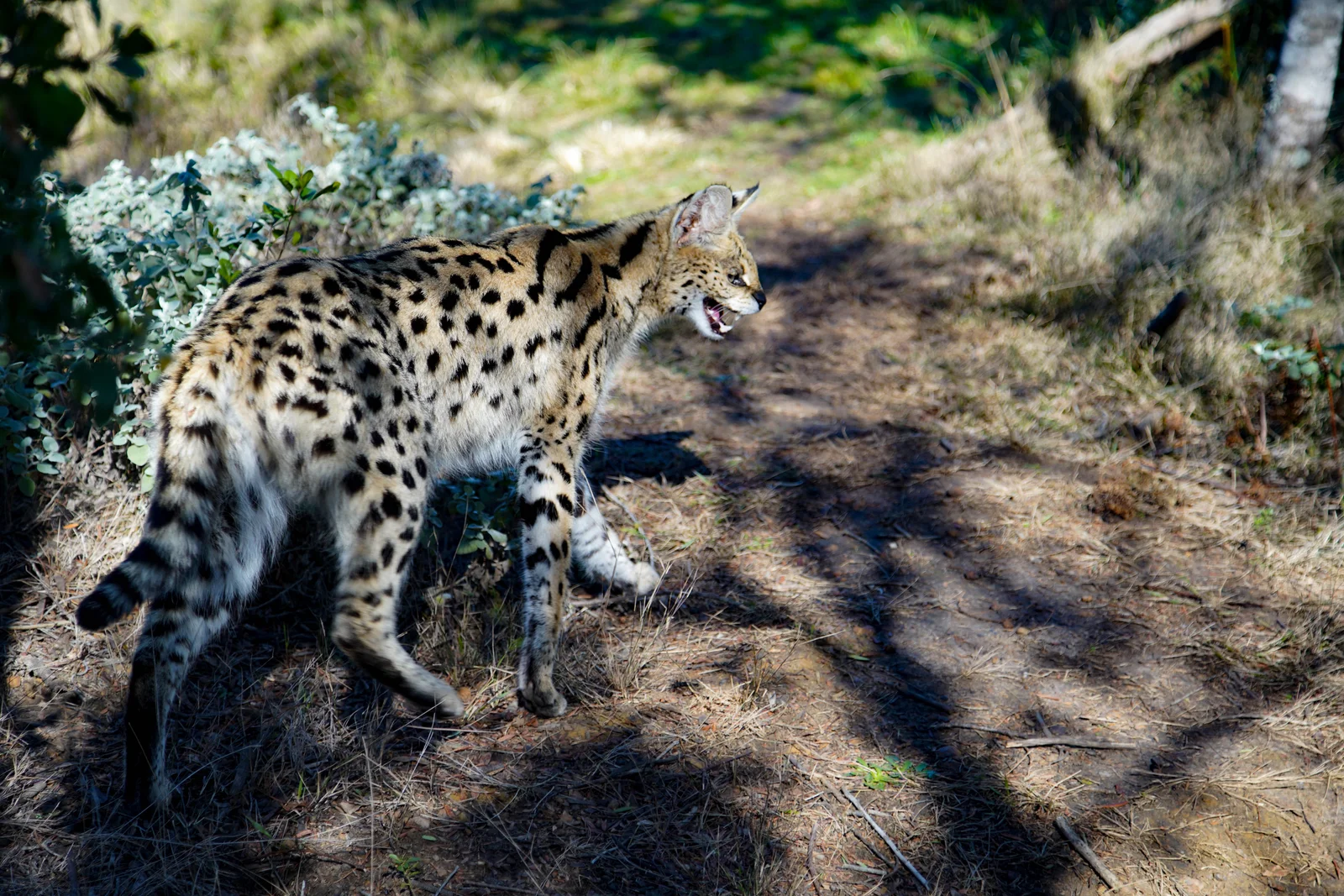
75 mm · f/4.5
DSC04146
Photo details & source
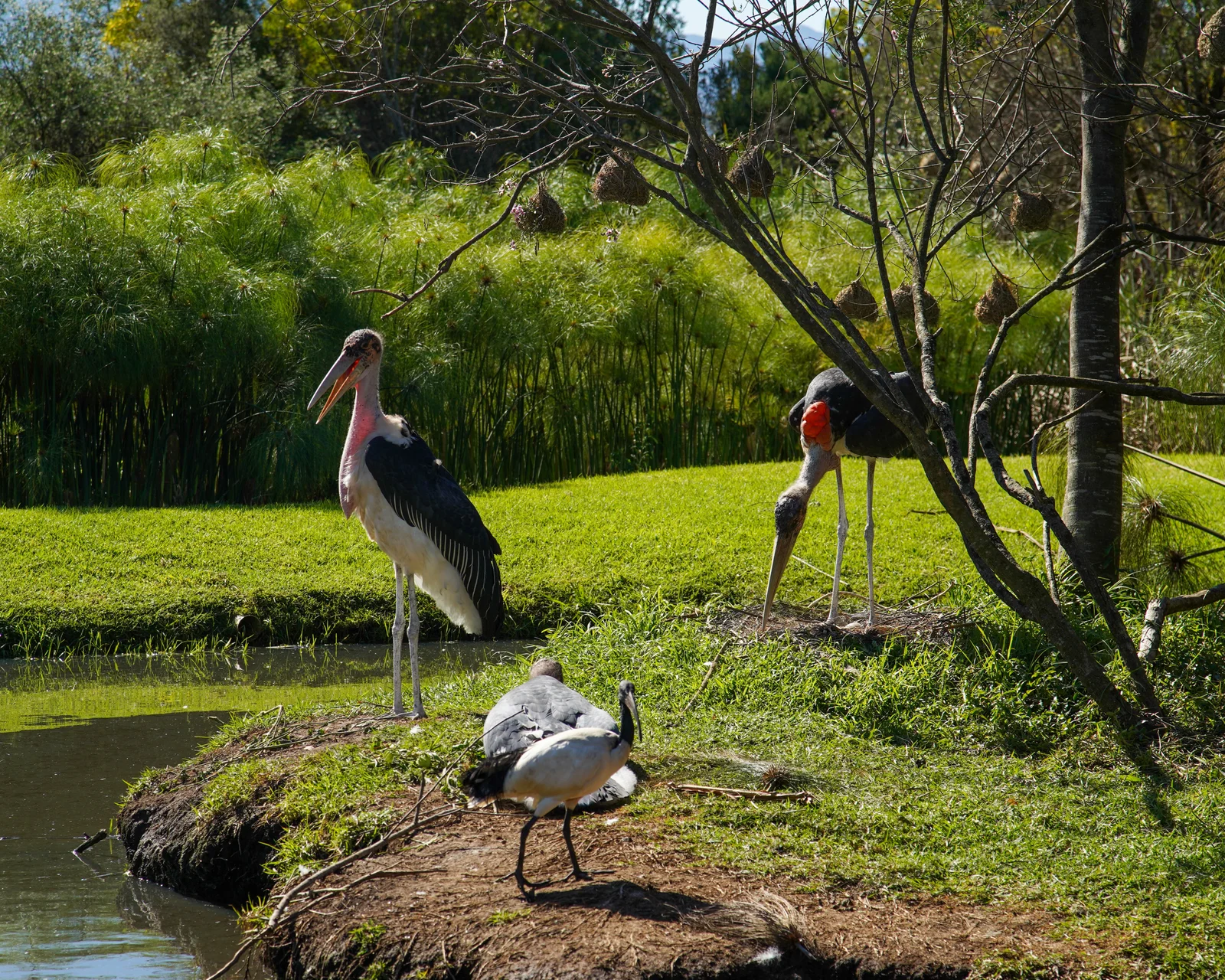
105 mm · f/5.6
DSC04416
Photo details & source
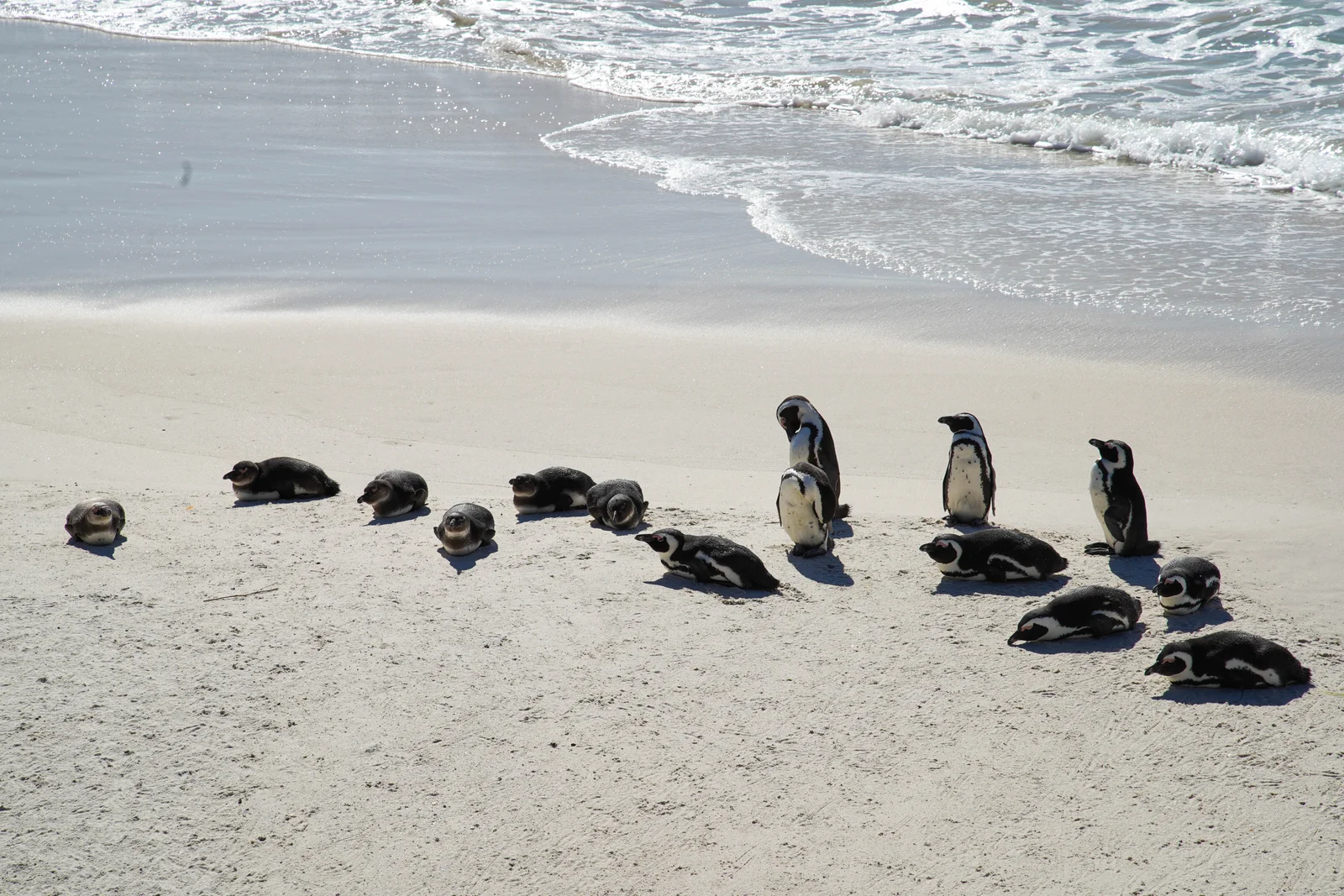
105 mm · f/8
DSC06676
Photo details & source
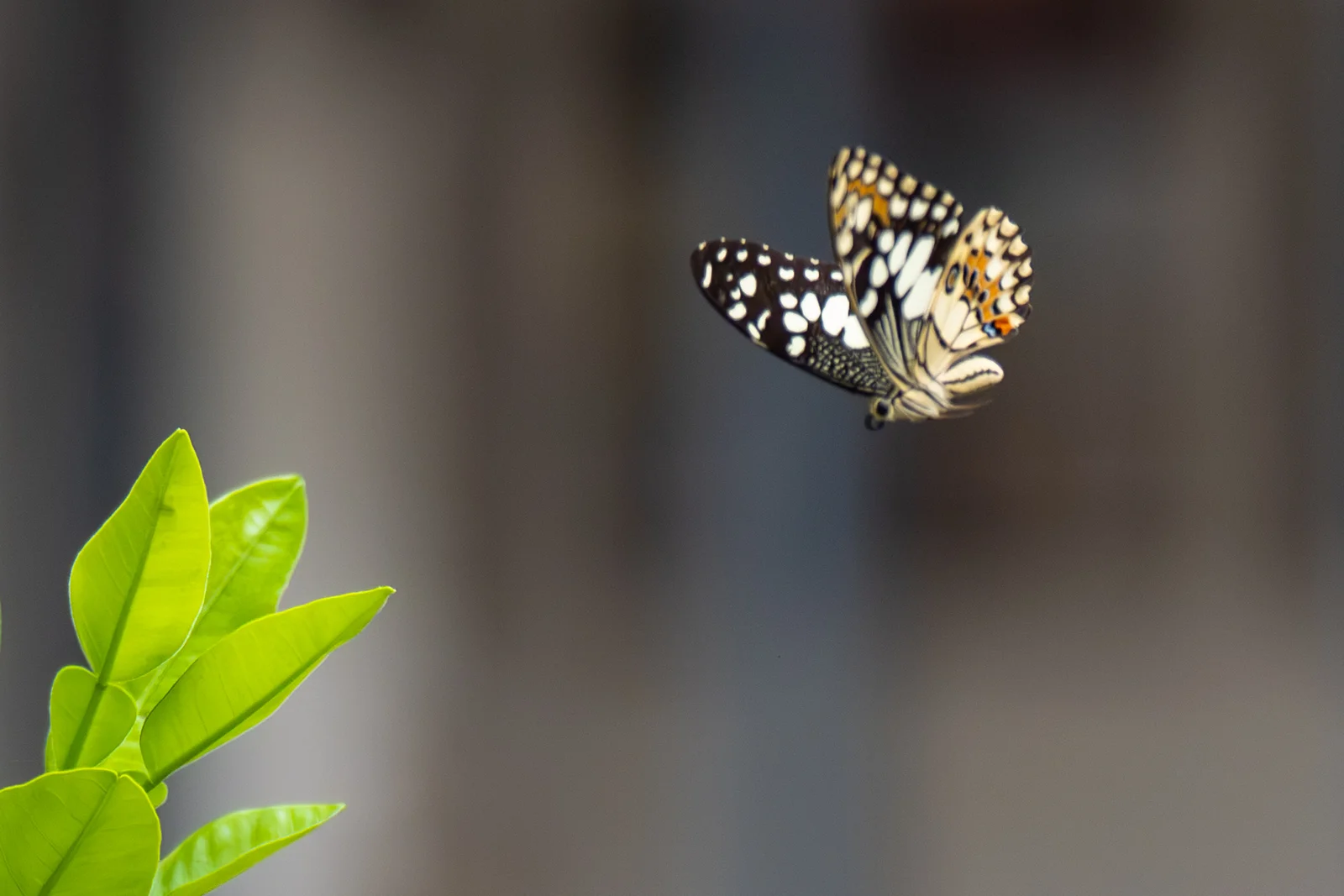
118 mm · f/2.8
93 06917 SDR jpeg100
Photo details & source
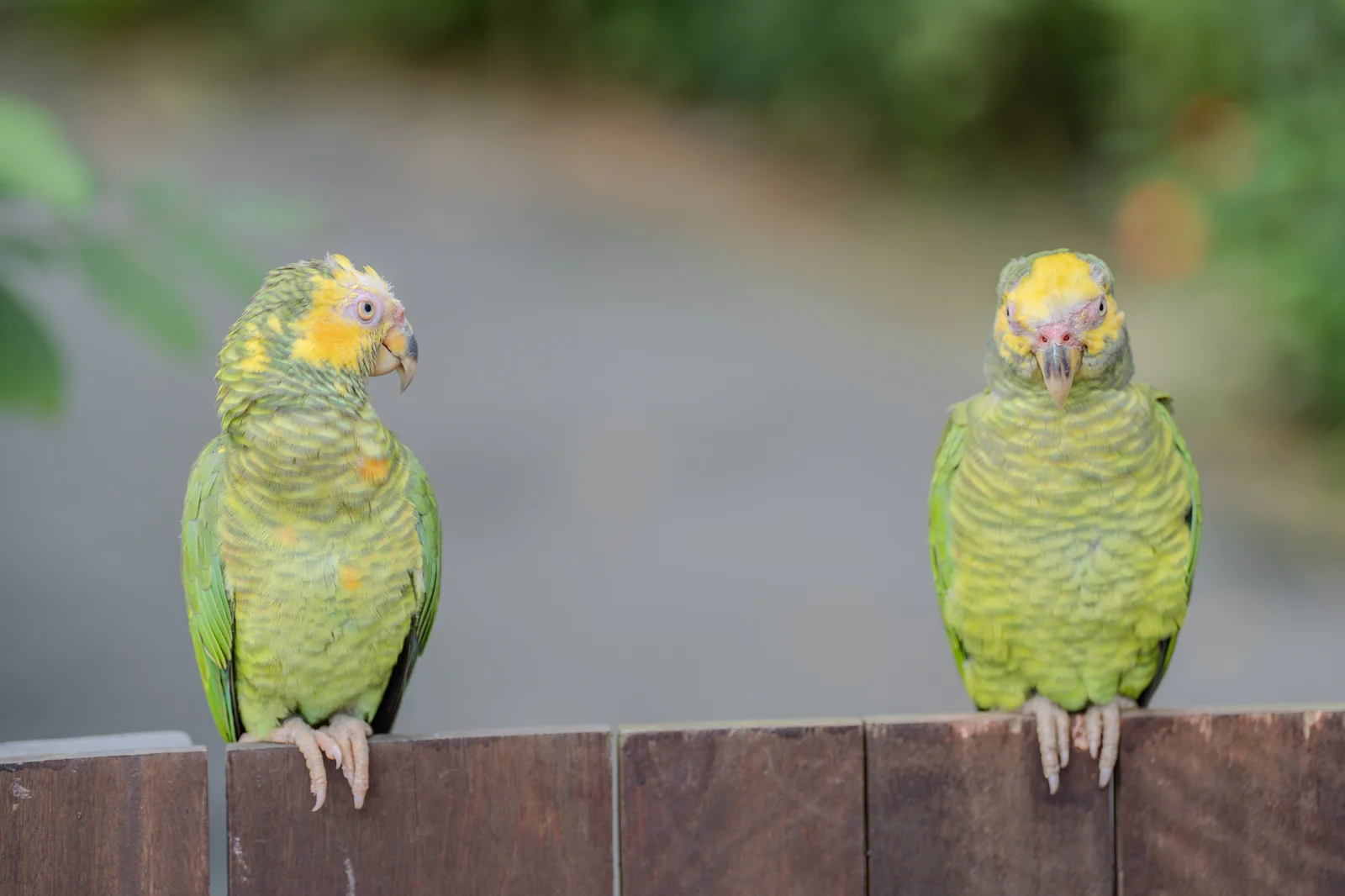
124 mm · f/2.8
DSC06335 SDR Q100
Photo details & source
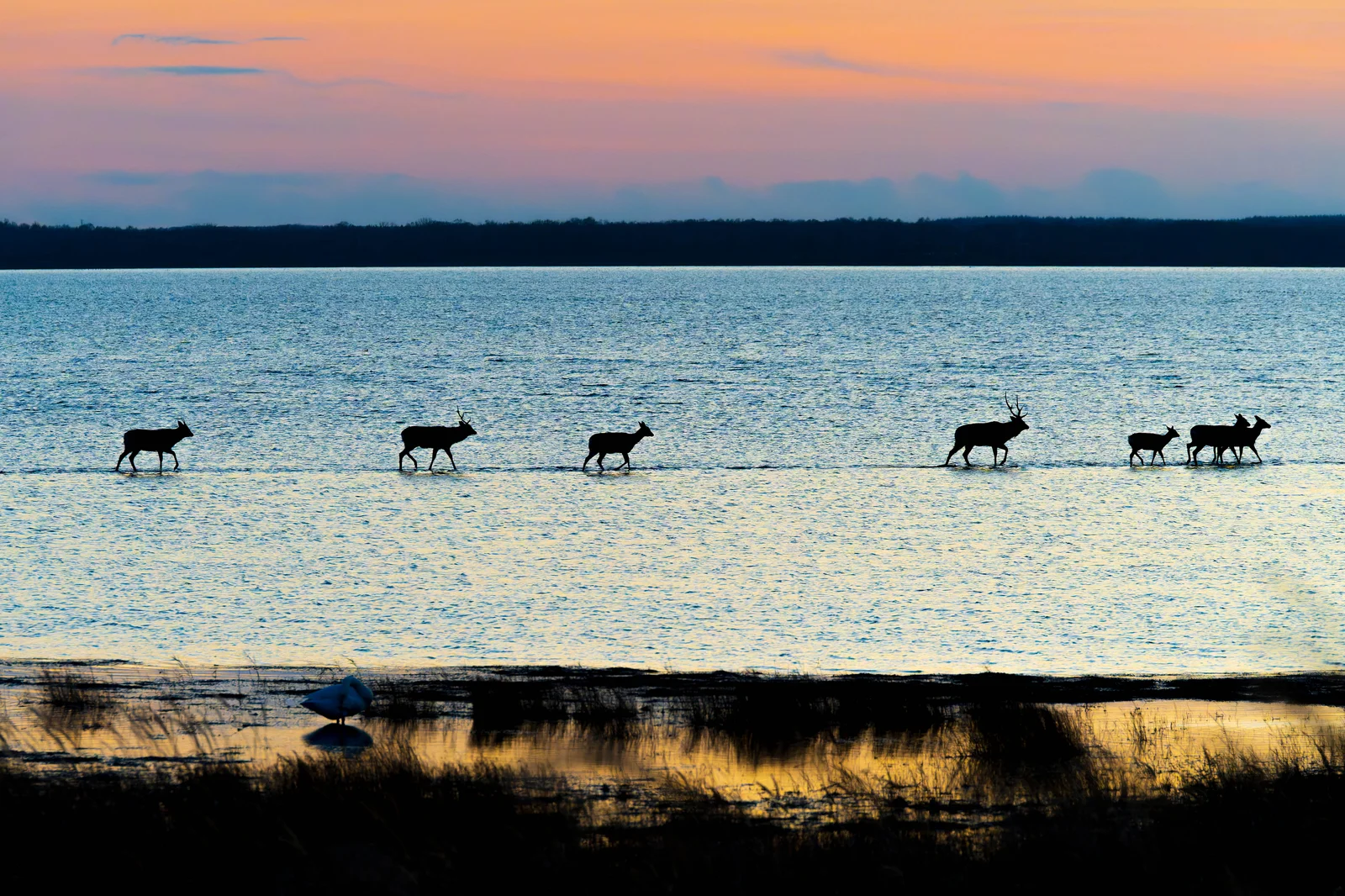
197 mm · f/6.3
7IV01862
Photo details & source
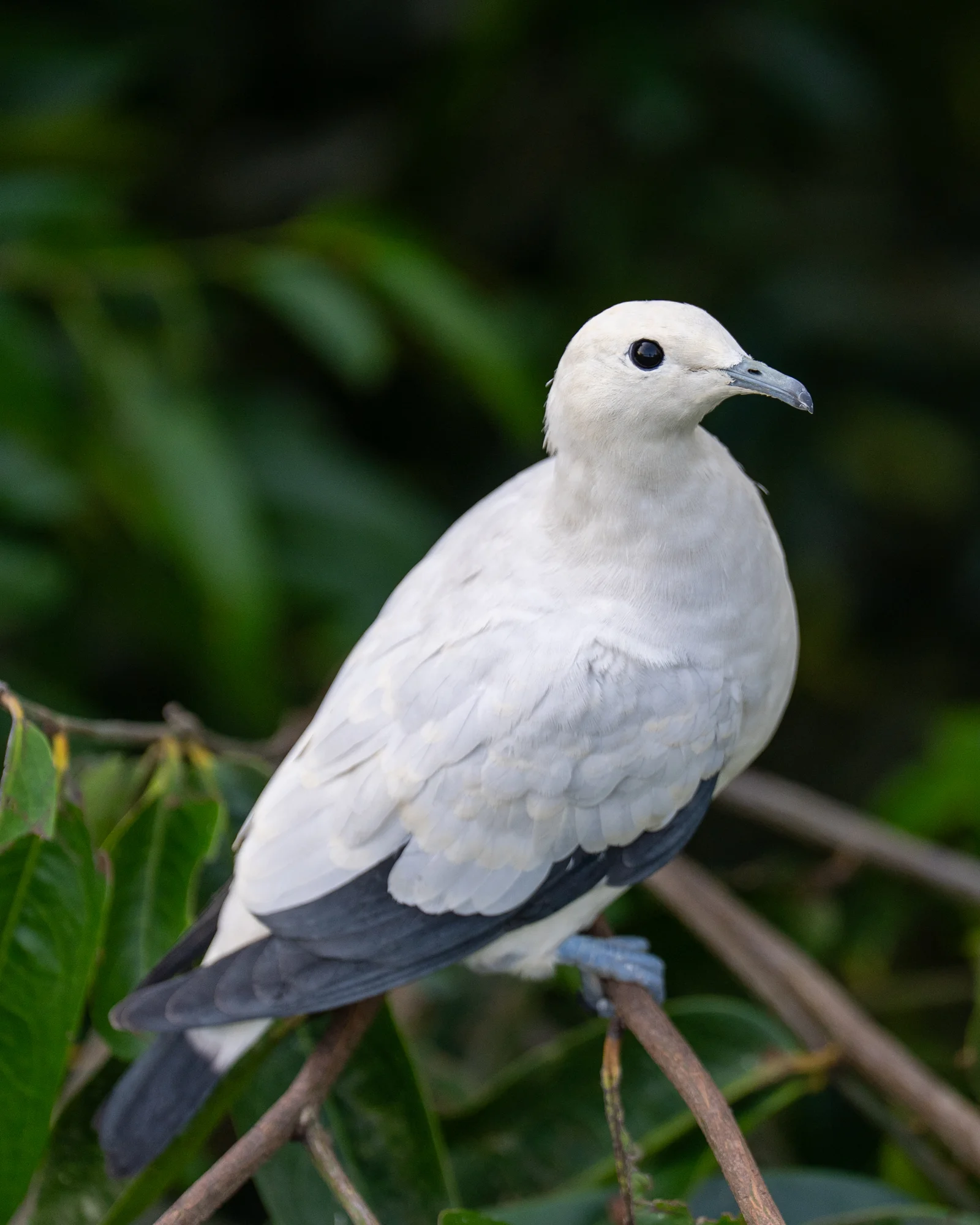
200 mm · f/2.8
93 05084 SDR jpeg100
Photo details & source
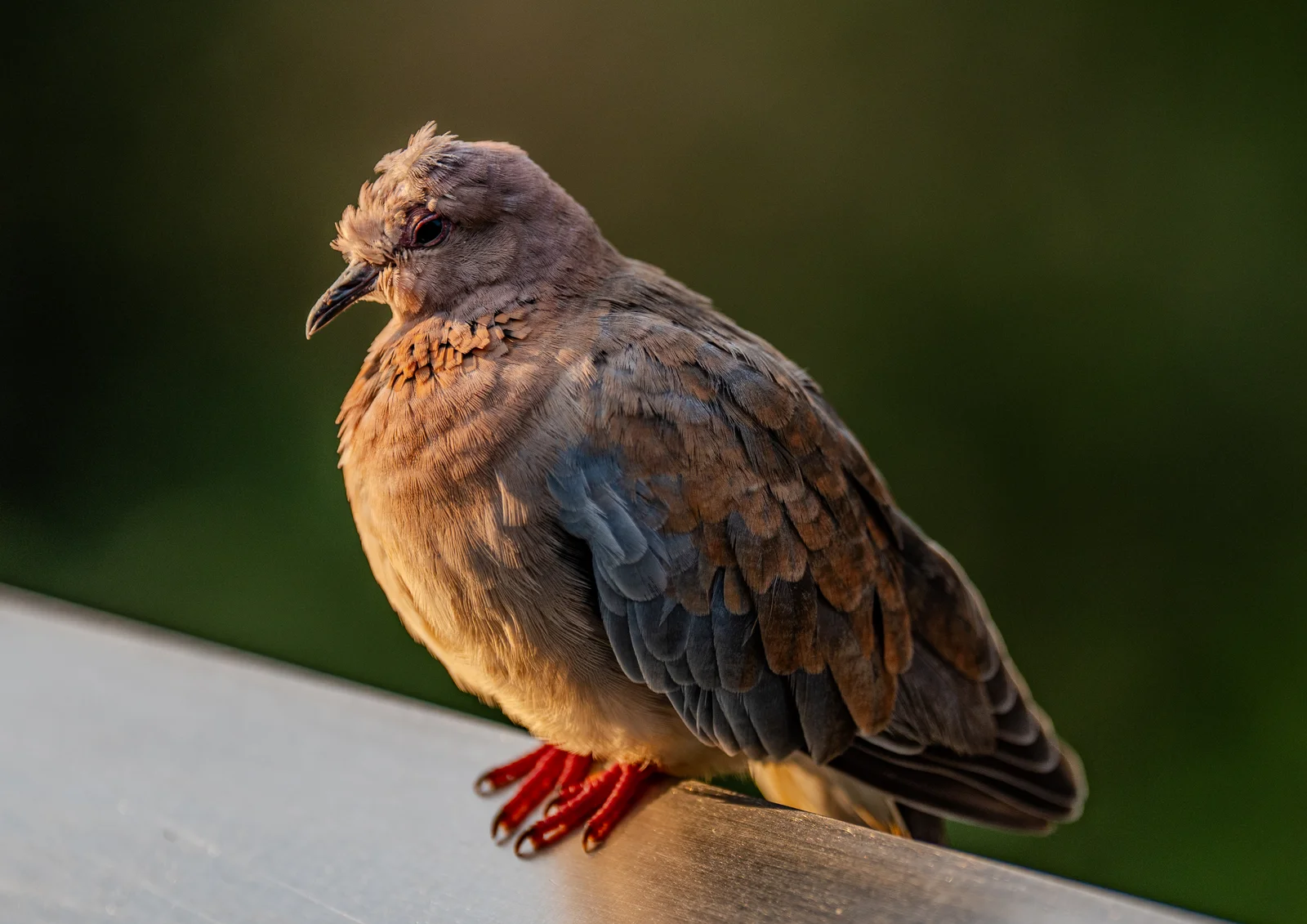
200 mm · f/2.8
93 05760 SDR Q100
Photo details & source
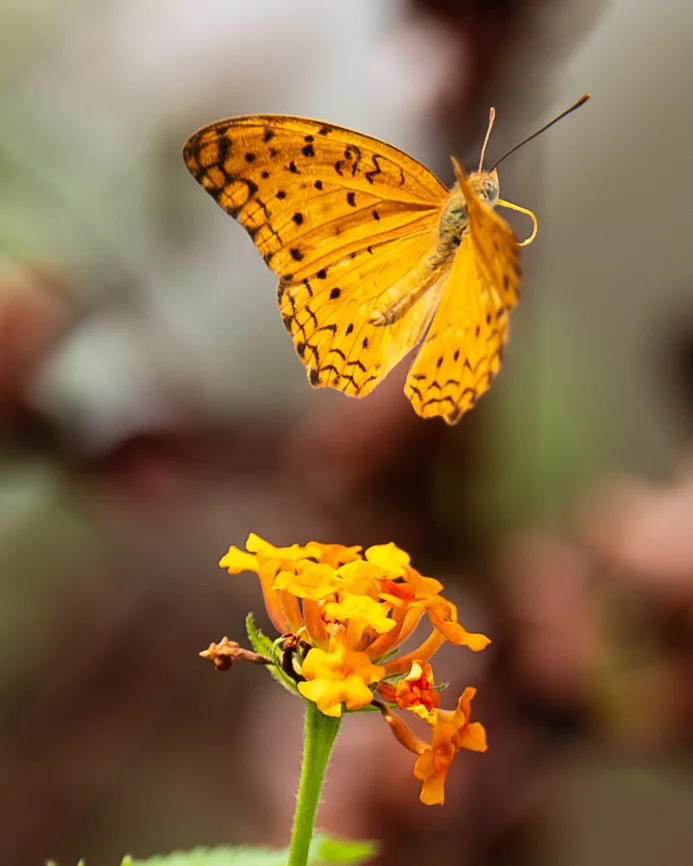
200 mm · f/2.8
93 07326 SDR jpeg100
Photo details & source
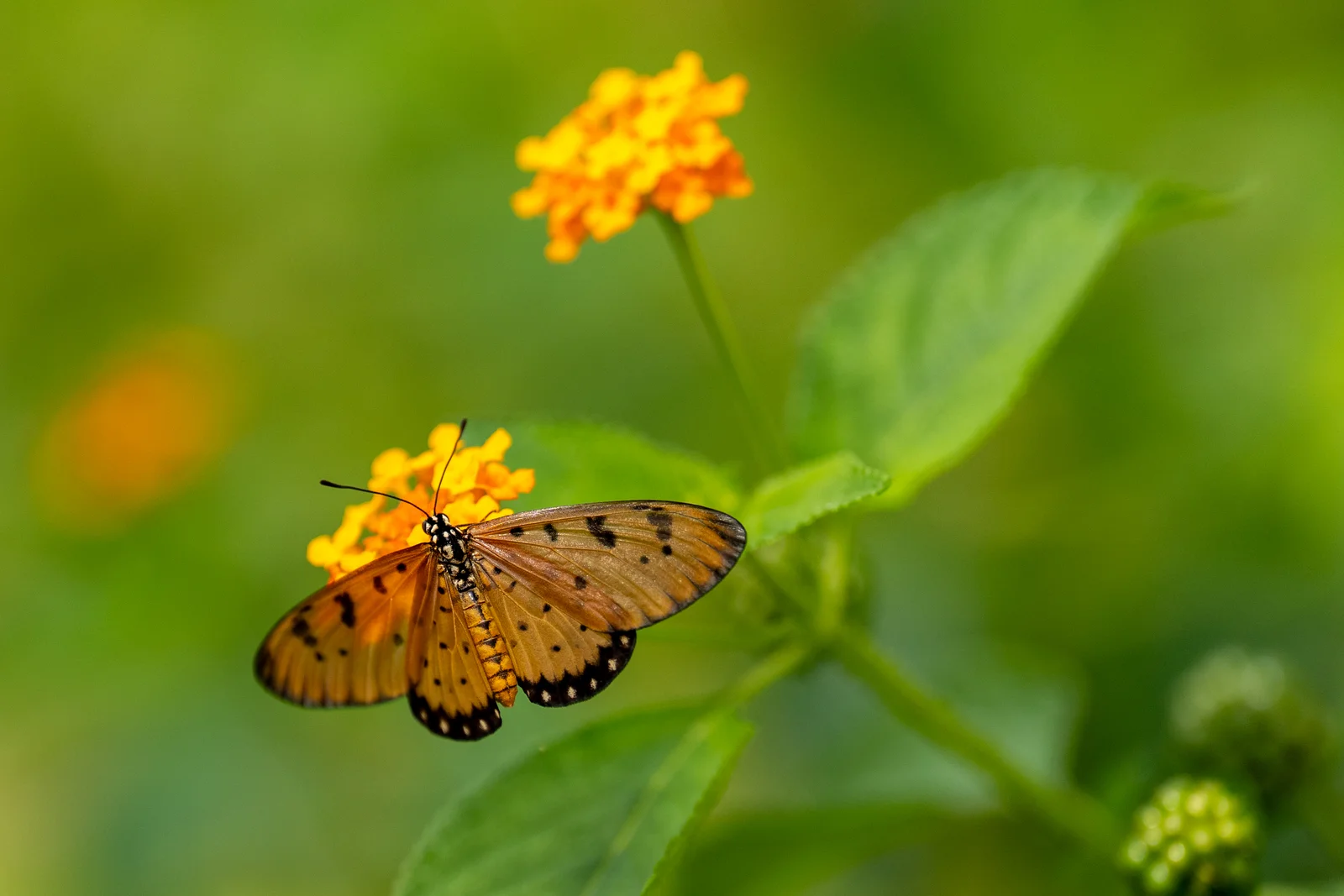
200 mm · f/2.8
93 07786 SDR jpeg100
Photo details & source
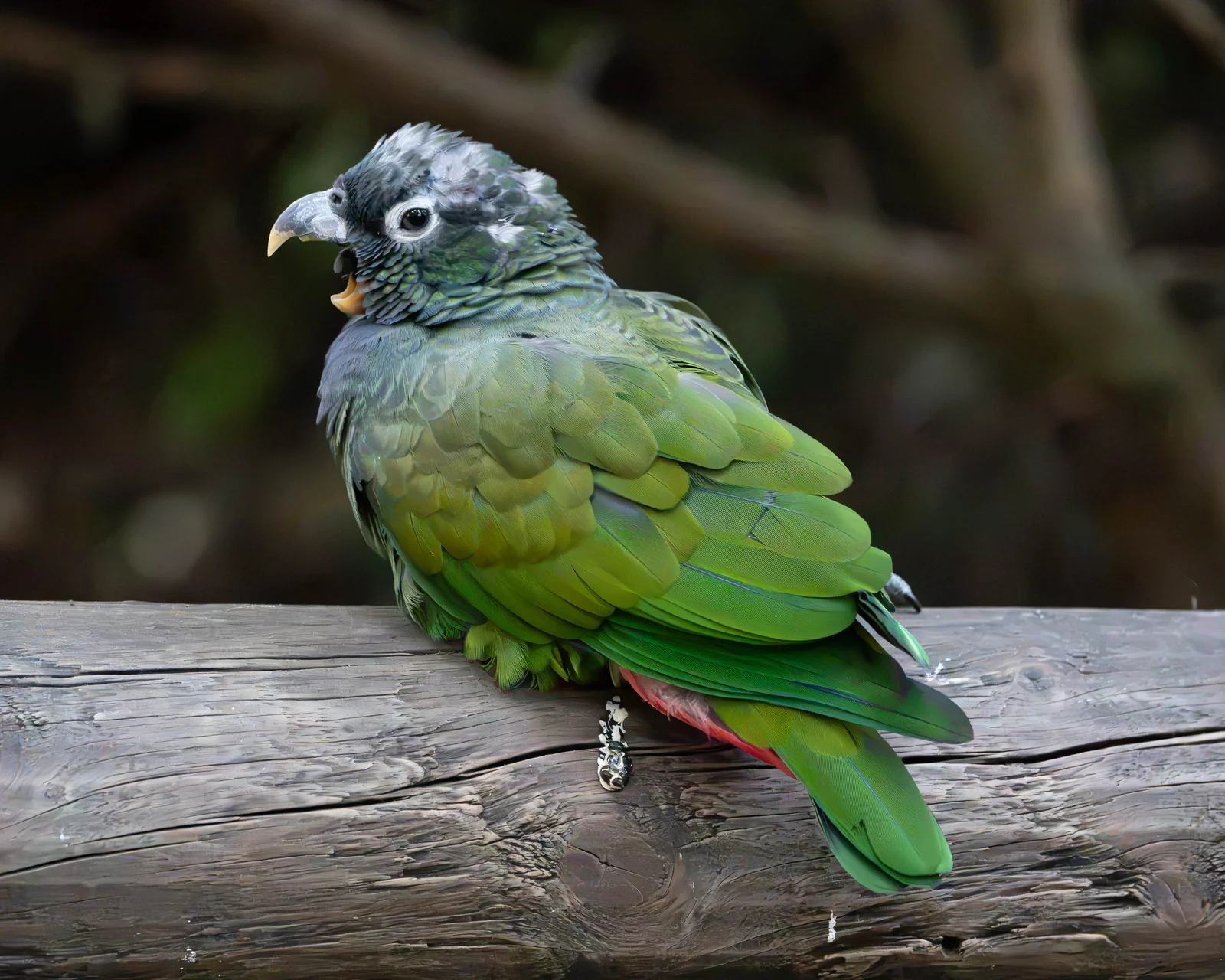
283 mm · f/5.6
DSC00987 HDR
Photo details & source
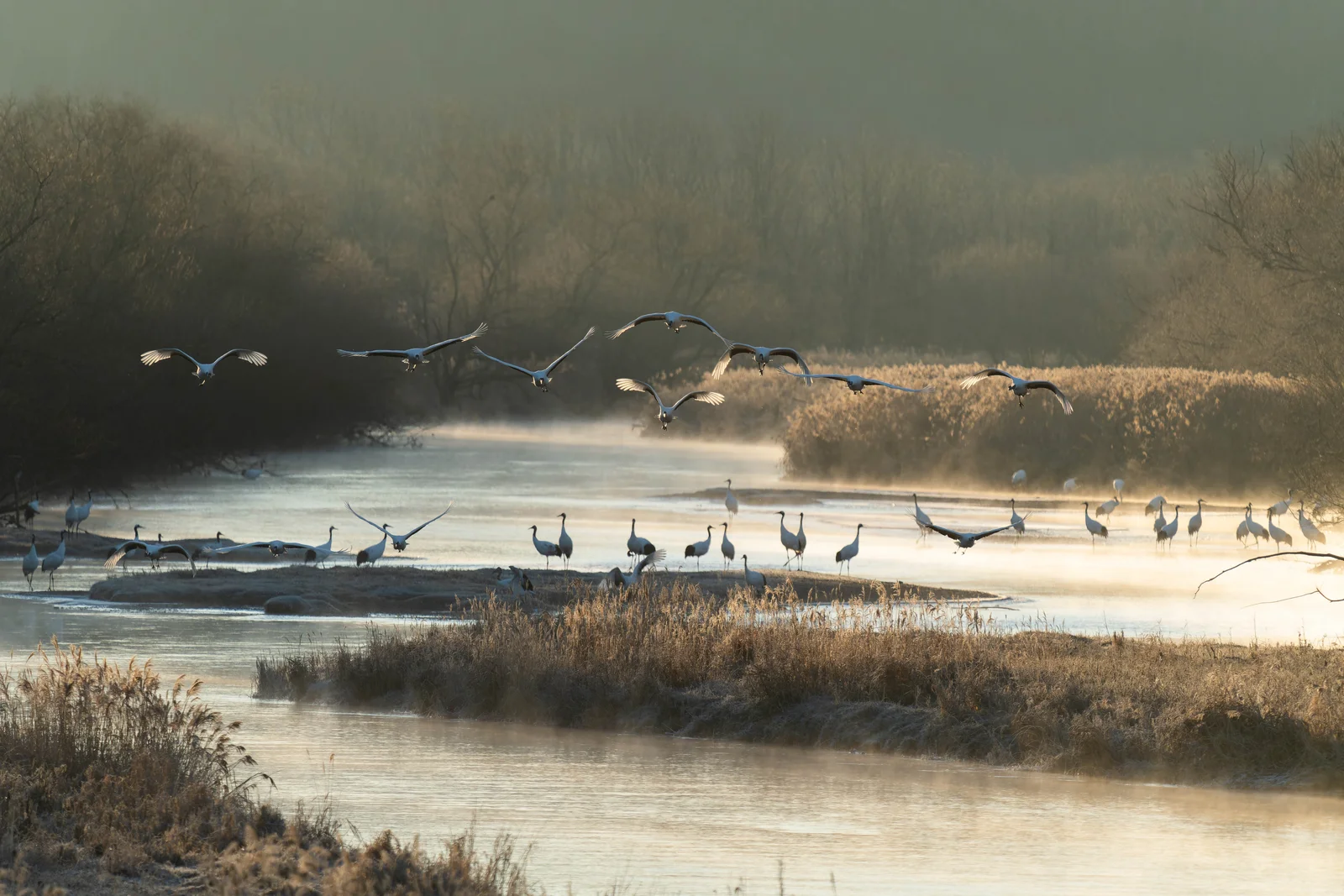
600 mm · f/6.3
7IV01930
Photo details & source
No photos match this focal range and aperture yet.
When you shoot Keep faces away from the outer edges, and avoid moving too close unless you want an exaggerated near-to-far relationship.
How to use this guide
Choose a prime or zoom lens to browse matching photographs. Only lenses with suitable photos appear in the menu. A label such as 70–200/2.8 means 70–200 mm coverage with a maximum aperture of f/2.8. Focal lengths describe full-frame equivalent coverage.
Choose Custom prime or zoom to enter a prime’s focal length or both ends of a zoom range, from 6–1200 mm, and its maximum aperture, then select Apply custom lens. A zoom’s long end must be greater than its short end.
Swipe left or right on a photo, or click its left or right edge, to browse the selected lens’s examples. You can also focus the image and use the left and right arrow keys. Returning to a lens keeps your photo selection until the page is reloaded. Each caption shows that photograph’s own full-frame equivalent focal length.
Zoom selections include photographs within the stated range. Prime selections include nearby focal lengths within ±5%, so 34 and 35 mm photographs can both appear under a 35 mm prime. A photograph may appear under more than one lens selection. These examples illustrate focal-length coverage; they do not establish which lens model took a photograph.
A lens must be fast enough for the recorded photo aperture: 70–200/2.8 can show a photo taken at f/2.8, f/4 or f/8, but not f/2. Photos without a known aperture are excluded. Custom lenses with no matches show an empty-gallery message. Lens labels are generic coverage and constant maximum-aperture references, not claims about which lens model took a photo. Aperture filtering uses the recorded f-number, without a depth-of-field conversion between formats.
Framing and perspective
A shorter focal length includes more of a scene; a longer one selects a narrower view on the same sensor. Changing focal length from the same camera position changes framing. Perspective changes when you move the camera. Stepping farther back for a portrait, for example, changes the relative appearance of the subject and background.
Focal length alone does not determine background blur, close-up capability or how large a distant subject will appear. Aperture, subject distance, background distance and lens design also matter. For a geometric comparison from a fixed camera position, try the Field of View Calculator.
For more on focal length, angle of view and common applications, see Nikon’s guide to understanding focal length. The shooting ideas above are illustrative suggestions rather than limits on how a focal length can be used.